If you are using Claude Code on macOS and you often get these notifications that there is a new version available and that you should run a Homebrew update, then it’s worth replacing your existing Claude Code install with its native version, because then you don’t have to run these manual updates all the time.
You can think of Homebrew as an unofficial open source app store for your Mac that runs completely through the terminal and bypasses the App Store, browsers, or manual installer downloads. Developers love and use Homebrew for all kinds of things. And if you’re a developer, then this is probably not for you anyway.
But if you, like me, installed Claude Code through Homebrew by accident, then it’s absolutely worth removing the Homebrew install of Claude Code and instead installing the native version, which will automatically check for and install new updates so you don’t have to do this manually every couple of days.
Step 1: Uninstall the Homebrew version
If you decide to do so, the first thing you have to do is to uninstall the Homebrew version, which you do with the following command:
brew uninstall --cask claude-codeStep 2: Install the native version
Once that is done, you then input the following command to run the official Anthropic installation script:
curl -fsSL https://claude.ai/install.sh | bashYou should now see something like this:
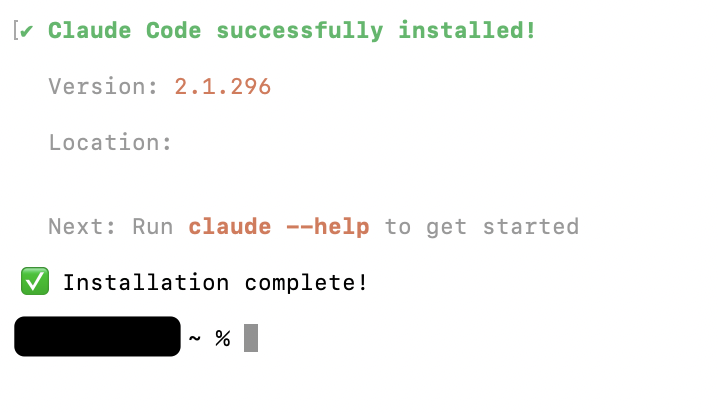
Claude will now run without Homebrew and automatically check for and install new updates.
And best of all: you’re still signed into your Claude account with all your Claude settings as they were before. So there is no need to sign in again and set everything up anew, all of that is still on your local machine.
Related read
Roy Okuwaki also wrote a bit more about why there are some additional benefits to running Claude natively.